Scale and deployment
Prepare for a rollout across many screens
A rollout can be physically complete while local staff still cannot publish to the new screens. Devices need more than installation: each needs a place in the publishing structure, suitable settings, channel content, and someone responsible for maintaining it.
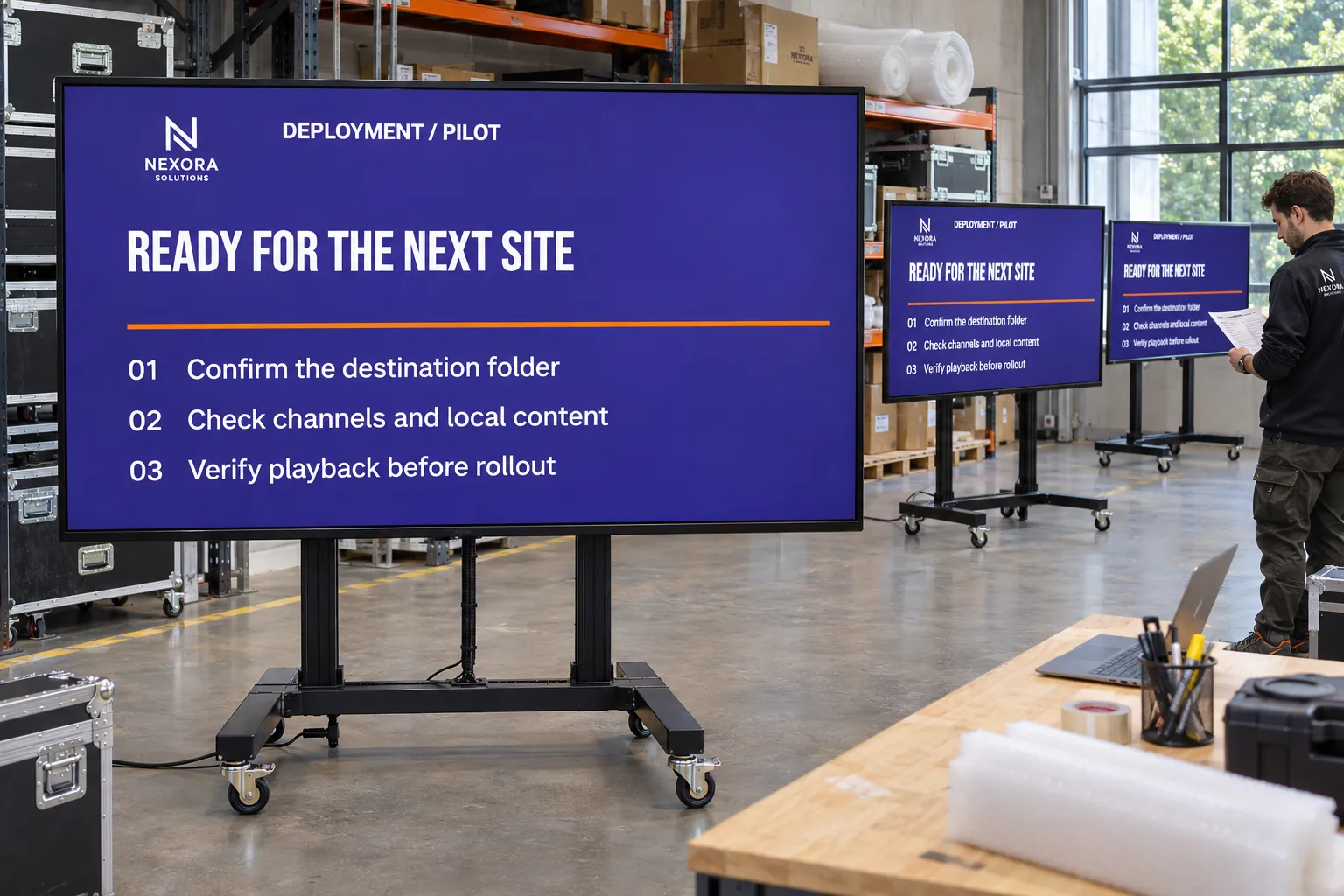
Prepare those parts before devices arrive. Installers can then connect screens to an agreed setup instead of waiting while each location's folders, access, and content are created separately.
Prepare the destination before registration
Create screen folders for the locations or departments. Their defaults can supply Channels & layout, active time, settings, and group access to screens that inherit them. Prepare the channels for shared and local messages and the bookings they should carry.
This preparation suits new stores, offices, wards, campuses, factories, and public sites. It also helps with renovations and replacement programs: agree where a returning screen belongs and what it should inherit before bringing it into use.
Check License status before adding devices. The team also needs access to the intended site, valid screen licenses, initial content, and configured players. Use License allocation when licenses need allocating or updating. Registration is one part of readiness, not proof that all of these are in place.
Choose the registration method for the equipment
Screen registration can begin with a connected player or with preparation before installation:
| Situation | Approach |
|---|---|
| The player is connected and displaying its code. | Use connected-screen registration with that six-character code, a descriptive name, and the destination folder. |
| Office staff need to prepare a device before it is installed. | Pre-register the screen so its name, placement, and configuration are ready. |
| Several screens need to be prepared together. | Use batch registration with a table or Excel template. |
Serial-number registration depends on the supported player type and identifiers. Choose the method that fits the equipment and available information. Pre-registration and batch registration require the Pre-register screen and Batch registration permissions respectively. Register screens covers the connected-device workflow.
Prove the setup at one location
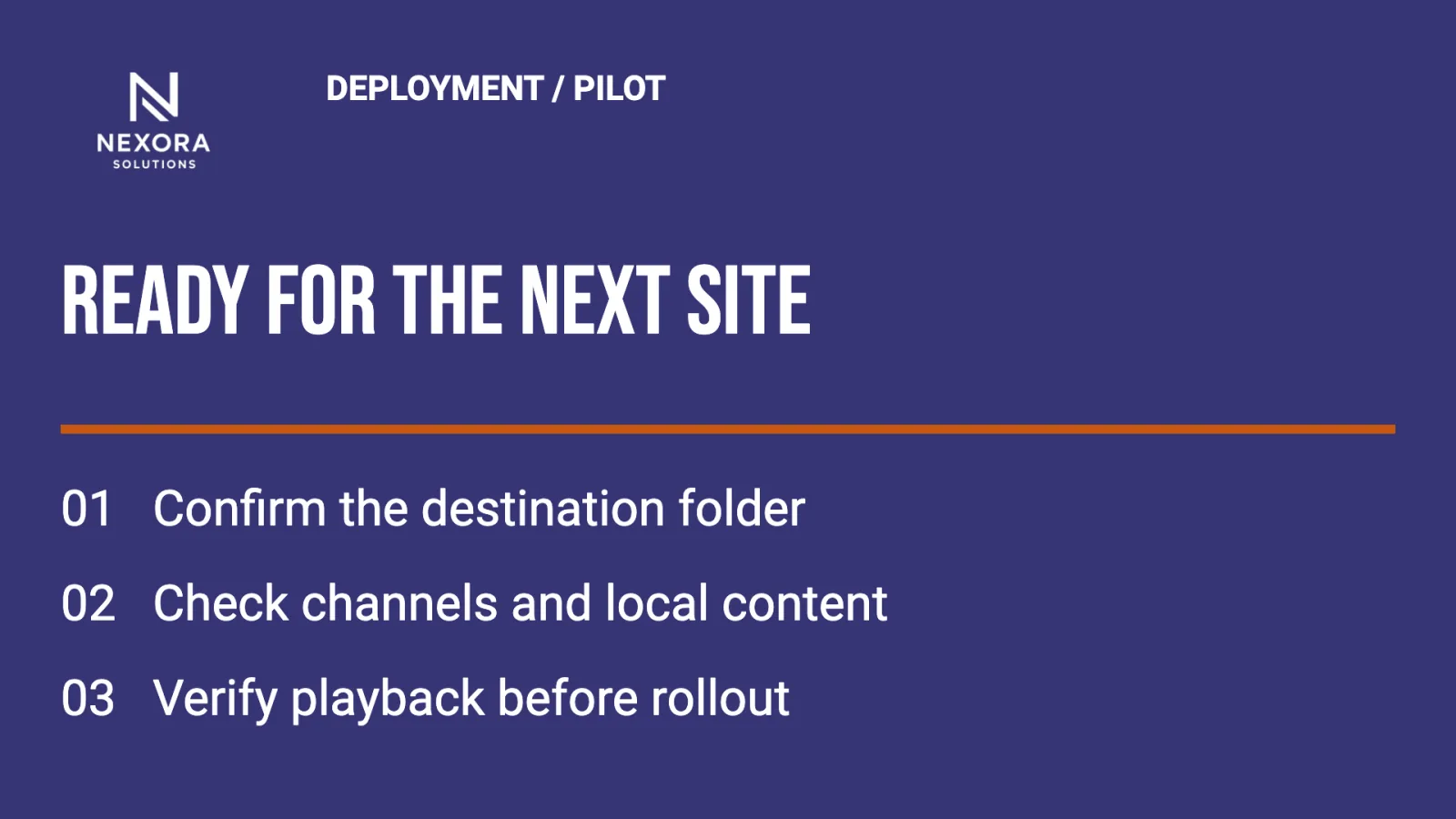
Prepare one representative location's folder, channels, layout, active time, settings, access, and bookings. Register a connected screen or connect the appropriate prepared record, then check the installed result:
- Is the screen in the intended folder, with a descriptive name?
- Does it inherit the expected settings, or need a deliberate exception?
- Are its license and connection state correct?
- Does the actual display show the intended content?
- Can the local team carry out the work it will maintain after launch?
Screens can override inherited settings, so simply choosing a folder does not settle every device's setup. Resolve unexpected differences at the pilot location before repeating the structure and registration method more widely.
Expand without creating a manual target list
Publishers can prepare content for the location structure before every device is present. Folders suit lasting responsibilities; tags and tag folders suit audiences cutting across locations. Avoid selecting every screen individually for recurring communication. Target groups of screens without selecting each one explains how the selections stay manageable.
Agree who verifies each installation and who maintains the screens afterwards. Once the representative setup works, repeat it for the remaining locations and keep checking installation, connectivity, and actual playback. Monitor screens and investigate playback problems covers the operational follow-up.